
🗺️ Sharing maps in QField, tip 1/5: make it public
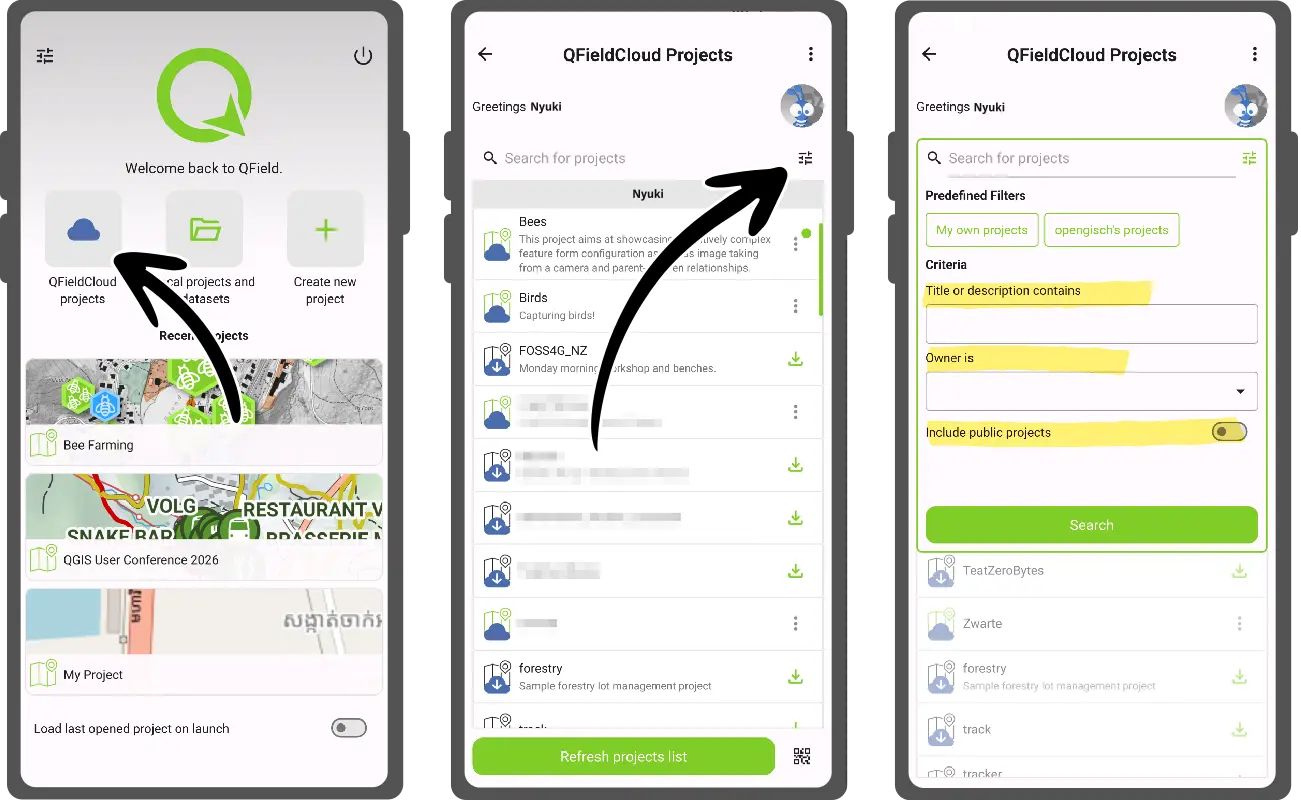
Want lots of people to use your map? Turn on the public option for your project in the QFieldCloud web interface or in QFieldSync.
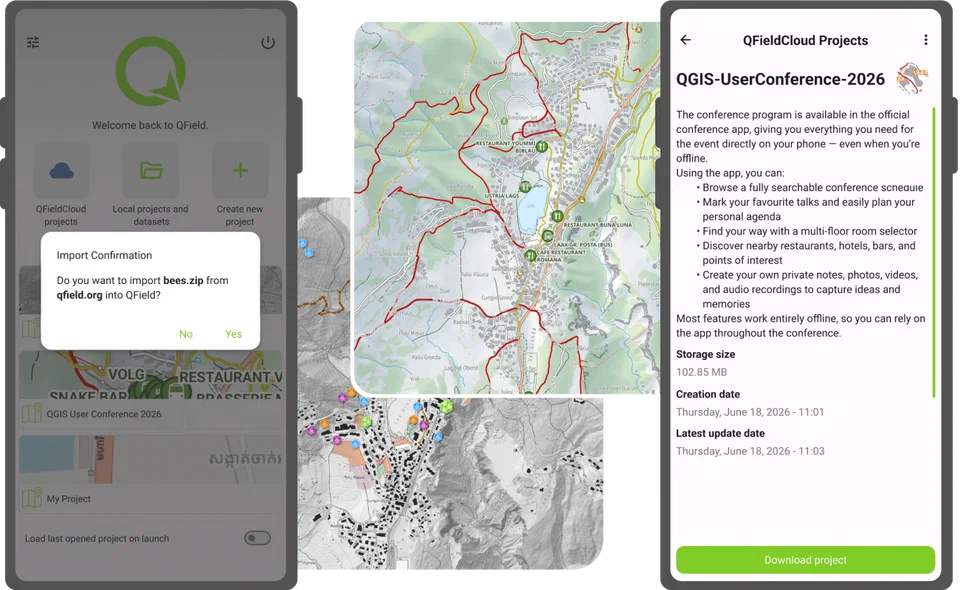
Anyone with a QFieldCloud account (free accounts included) can then search for it by username and project name and open it in QField. They get read-only access, so your data stays untouched.
Perfect for wide audiences. Not for anything private.
 QField - Efficient field work built for QGISThe many ways to share maps with friends, teammates, and the public in QFieldOver the years, QField has gained a number of ways through which authors can share their mapping projects. This post looks at the multiple ways this can be achieved and what scenarios fit each method …