
🗺️ Sharing maps in QField, tip 3/5: no cloud needed
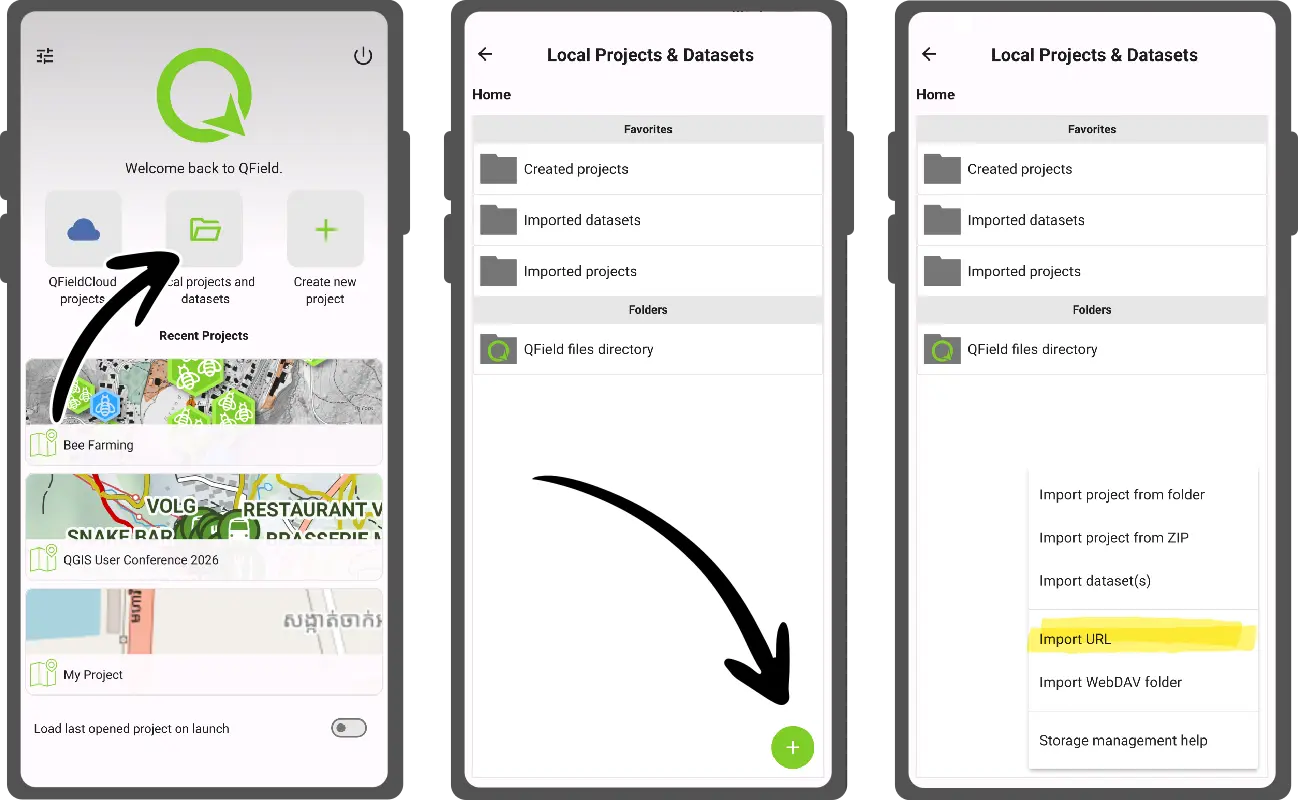
You don't have to use QFieldCloud to share a map. Put a zipped QGIS project or a georeferenced PDF on any website, then in QField:
1️⃣ Open the local projects & datasets panel from the welcome screen
2️⃣ Tap the + button
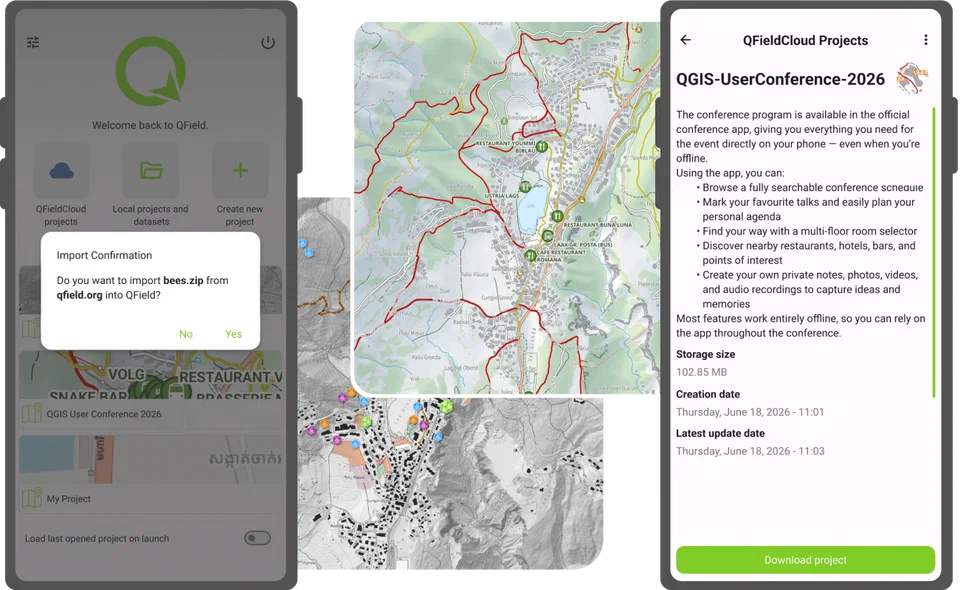
3️⃣ Choose "Import from URL" and paste the link
Works on Android, iOS, Windows and Linux.
 QField - Efficient field work built for QGISThe many ways to share maps with friends, teammates, and the public in QFieldOver the years, QField has gained a number of ways through which authors can share their mapping projects. This post looks at the multiple ways this can be achieved and what scenarios fit each method …